Another nice and hot, sunny day. Short walk, lots of pollen and moderately sweaty as a result.
Training in Quarantine – Day 61
Day 61 of quarantine. A cloudy day, but still pretty warm. Short loop walk today.
Each day is beginning to melt into each other. So this is what prison feels like….
Training in Quarantine – Day 60
Day 60 of quarantine. Finally got an opportunity to test my new Chromecast Ultra with my FitBit coach in my living room. There was more room here to do the workout versus my bedroom and shed plenty more sweat than I normally do doing the workout in my bedroom.
Weather is still plenty windy and the temperature is much lower than the past couple of days…
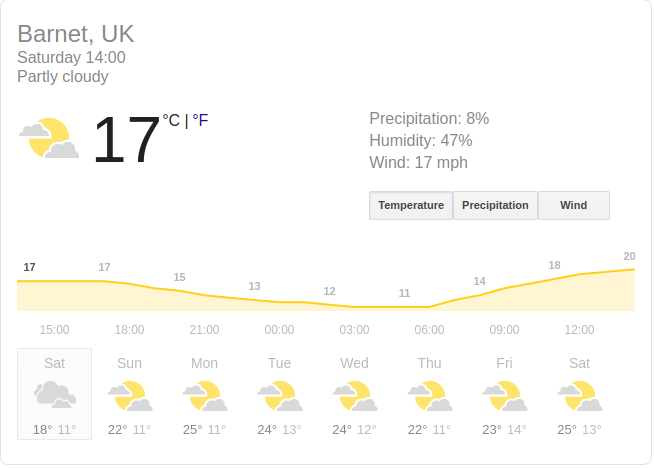
Trying to decide whether to do my walk later….
EDIT: I did.
Training in Quarantine – Day 59
Nearing day 60 in quarantine. Today was a very window, cloudy start to the day. My bedroom door in fact slammed closed at 3am in the morning from the gust of wind that came through the open window.
My final car cheque FINALLY came through. Guess this now means I have to give up the car within 7 days. Which is a bugger because now I’ll have to get the bus to the car showroom in June.
Regards to training, I did my walk and am currently contemplating whether to do my FitBit workout today or tomorrow….
Training in Quarantine – Day 58
Update on my car. They say the final cheque is in the post, and now they will be contacting me to arrange to pick up the car.
But I haven’t been able to buy a new car because all the showrooms were locked down. I asked them to reconsider.
Meanwhile, another hot day so I did the walk and not the workout, also probably not a good idea to do a workout so soon after eating lots of pizza ^_^
Training in Quarantine – Day 57
Did my FitBit workout today. Trying to workout in 25degC heat isn’t fun, but I did it with my windows open and a fan blowing in my face.
And, I did my walk to boot. Again the shorter walk due to being on call. My pace was notably slower than usual during the walk due to the heat. But as a result, wasn’t sweating as much as I was expecting. Still was, though ^_^
Training in Quarantine – Day 56
Same as yesterday, a scorcher of a day, so a quick walk in case I got an incident call.
Training in Quarantine – Day 55
Scorcher of a day today and I start my week of on call :(
Did my short walk and felt like I’d been walking for an hour because of the heat….
Training in Quarantine – Day 54
Same as yesterday, didn’t want to risk being too sweaty without having access to a shower.
We got someone in the check the drains, we even got a rod thingy to help unblock it. Turns out part of the steel pipe in the house was rusted and some of the outbound water was getting blocked by the rust.
Training in Quarantine – Day 53
Walk but no Fitbit workout — my shower drains have blocked up so I’m avoiding making myself sweat too much as I’m unable to clean myself properly until I can get that drain unblocked.


You must be logged in to post a comment.