
Category Archives: Linux

Blocklist Downloader
A small script to help speed up regular updates for P2P block lists that you might be using for filtering for apps like routers, mail servers, or BitTorrent.
I’ve taken my block lists from iblocklist.com, but you can add your URLs to the list and have it download and concatenate as well. Some apps will need to be restarted to use the new filter list. Others might not.
Share this:

Tip: .tar.bz2
Ever get a file off the internet with a .tar.bz2 extension? Well, you can extract it in one step like this:
curl http://cf1.vuze.com/files/VuzeInstaller.tar.bz2 | tar xjv
Rather than extracting the tar first, then extracting the tar, then removing the archives. Running curl and piping it to tar in this way means you don’t need to write anything to the disk other than the extracted files, and it extracts as it goes.
Share this:

Playing with Tor
I’ve been using Tor for a while now, and have been tinkering with settings to try to get it work right. One of the many frustrating things is DNS leaking whereby an application resolves DNS using the host DNS and not via Tor. Consequently, since the DNS server of your PoP (Point of Presence) is usually your ISP’s DNS server, or a DNS server maintained by your ISP, they can easily eavesdrop on your surfing behaviour, by simply connecting a DNS query with a traffic stream to that same IP soon afterwards.
Using DNS via Tor is a bit of a pain, but there are various ways I’ve found that seem to work. Some better than others.
Share this:

Yep, just confirmed Google Movies now also works. Picked a relatively cheap purchase (£2) to test with.

Share this:

Debian
I’ve finished copying my files over onto my Debian installation and I just now need to reconfigure everything. My Fitbit is now syncing in Debian happily. BOINC is installed (but not configured) and I’ve installed LXDE so I can take off KDE.
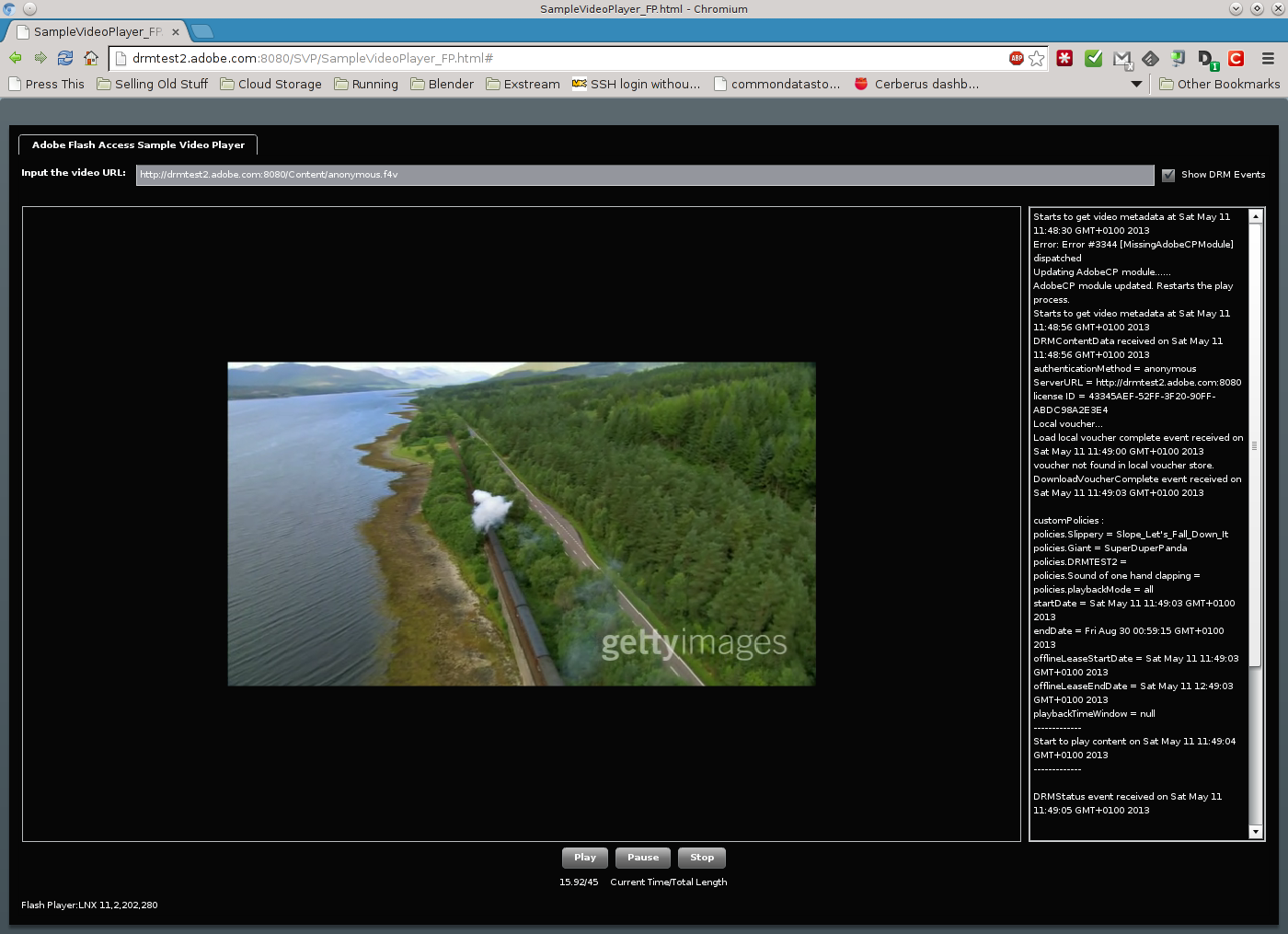
And DRM finally works!
Share this:

Debian
I managed to install Debian again today. This time I used my DVDs which meant I didn’t actually have to download anything off the repositories which could run into the problems mentioned in my previous posts here and here.
And, I was able to install extra software in the same way, including KDE, and again, without having to download from repos. Finally, I used netmirror-apt to update my sources list with the fastest repositories to me.
I still need to copy across my files, and run some configuration, but I should be back onto Debian within the next week or so.
I’m back on Fedora at the moment, with my Debian install backed up as a CloneZilla image.
Share this:

Debian
Well, all three Debian DVDs are now downloaded and burned. Just need to have some time to try my install again…
Share this:

Debian

Debian OpenLogo (Photo credit: Wikipedia)
Today, I decided to try reverting my laptop to Debian, having imaged it yesterday to provide a rollback option in case something went wrong.
The installation (via Net Install) took absolutely ages, but was pretty much successful. Then I got reminded why I stopped using Debian originally — the Unity style interface. It really winds me up. Then I was surprised by just how long it took to download updates. I usually get a throughput of between 100kb/s and 400kb/s depending on what and where I’m downloading from. I was getting around 20kb/s downloading from ftp.uk.debian.org and downloading the KDE package, apt-get was estimating 6 HOURS to finish downloading, and that’s not including the installing. I even used the tool netselect-apt to pick the fastest mirrors, and it still didn’t improve. I’m going to try again once I’ve downloaded and burned all the Debian DVD images. Maybe I might be able to select the packages and go straight to KDE without using the Unity-like interface.
On the plus side, I checked the DRM test video via Adobe’s web site and I was able to confirm that it works fine and I was able to view DRM protected material in Debian after downloading the hal package, so whatever happens, I’ll at least be able to use Google Movies now.
I might also take a look at openSuSE and see what that’s like. Hey, have to keep my options open. :-)
Share this:

Google DRM Movies on Fedora
Been trying to watch some DRM movies off Google Play recently, and can’t seem to get them working on Fedora. I can watch them on my TF101 though, so it’s not too much of a problem, but more of an inconvenience:
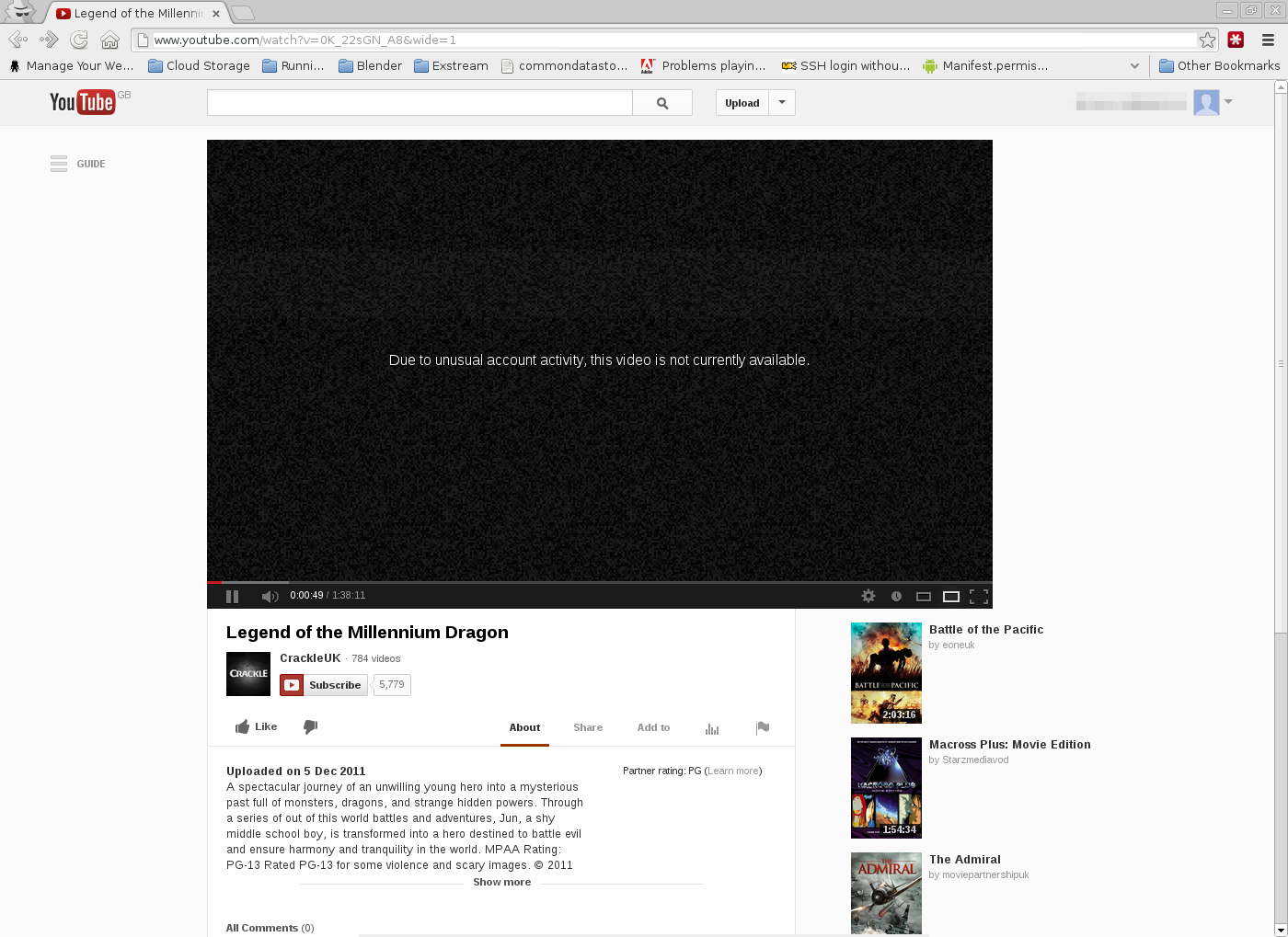
I’m already talking to Google support about this and seeing what they suggest.


You must be logged in to post a comment.